
You are now able to run open order reports from the commissions module. The report will generate a comprehensive CSV export of all open orders.
- Open the commissions module from your workdesk
- Click Open Orders
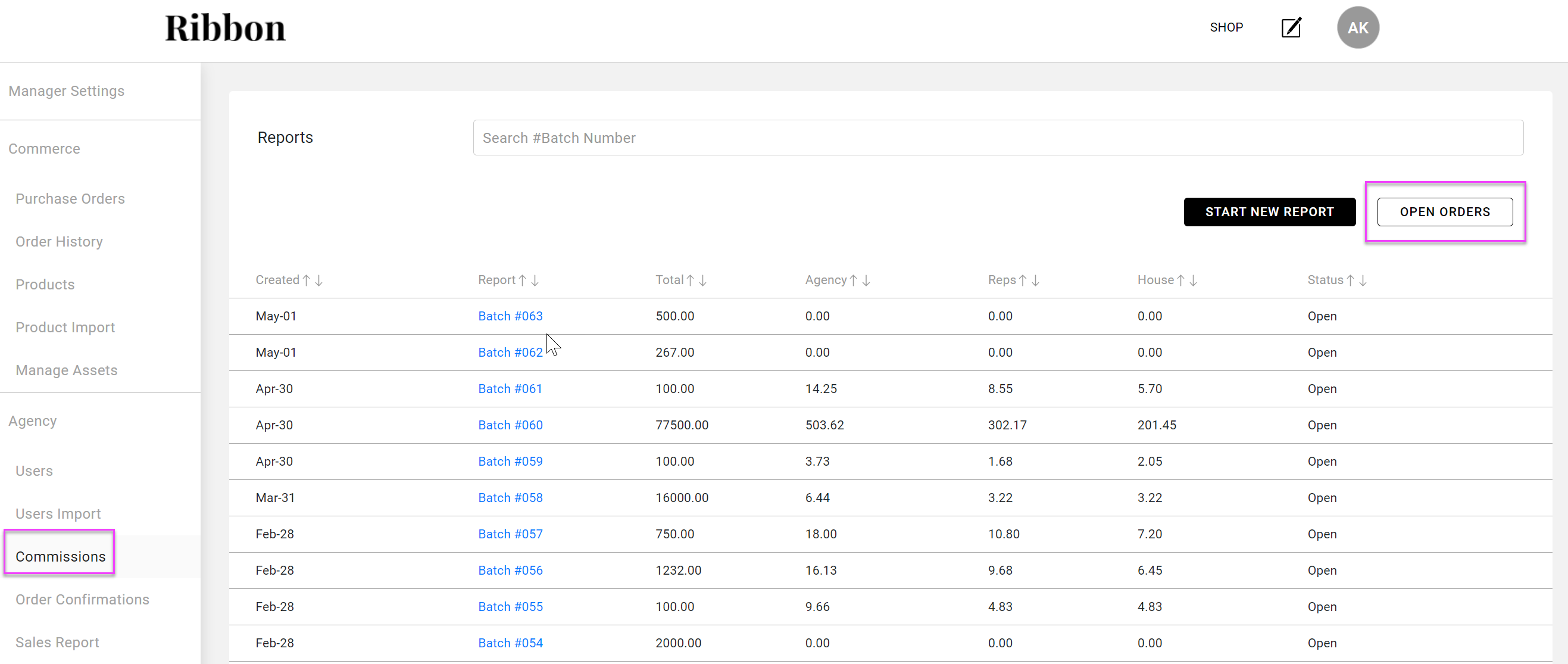
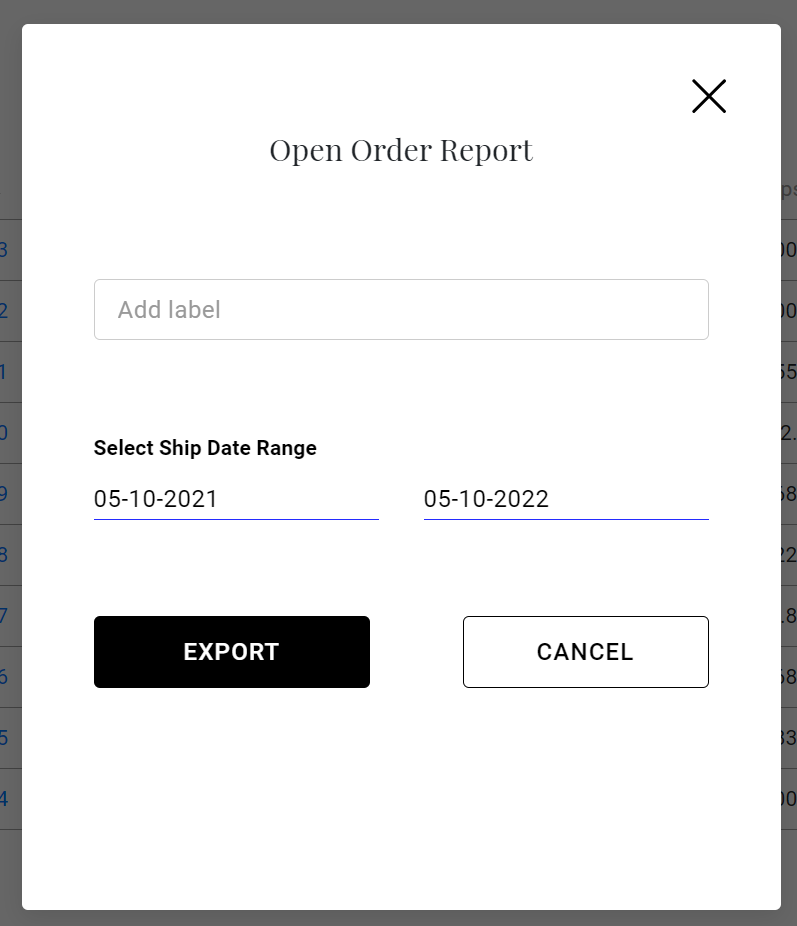
- In the next screen
- Select the ship date range for your report
- (Optional) add a label to your report
- Click Export
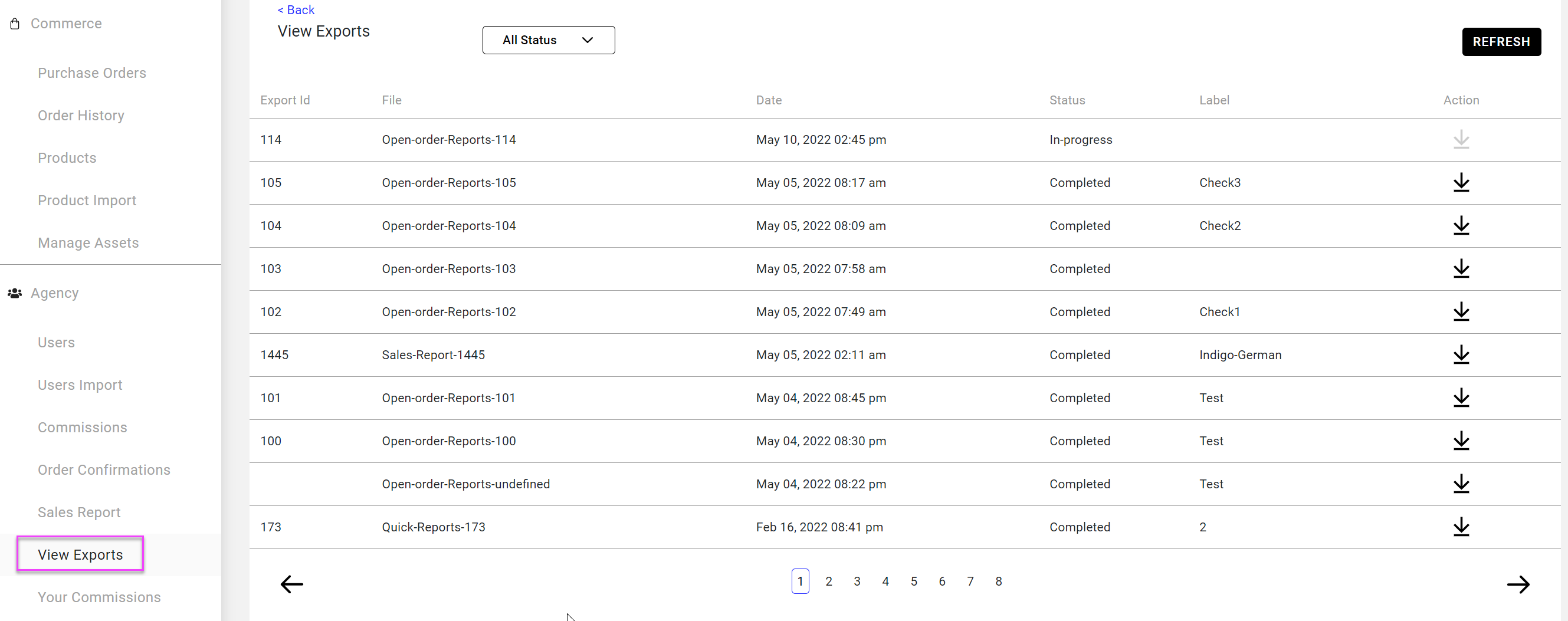
- You will get a notification that your report has started and will be given a export request ID
- Go to the View Exports page in your workdesk to download your report
Useful Notes:
This report will be similar to the Summary Export on the Sales Report, except it will exclude all canceled, HFC, Draft, Deleted orders and any order with a closed commission status.
Comments
0 comments
Please sign in to leave a comment.