
As an exhibitor, you might meet many potential leads and want to remember key details about each one. The new “Add a Note” feature makes it easy to jot down important information right after you scan a lead’s badge. Here’s how to do it:
Scan Badge or QR Code
- Use the scan button to capture the buyer's information by scanning their badge or QR code.
Add a Note
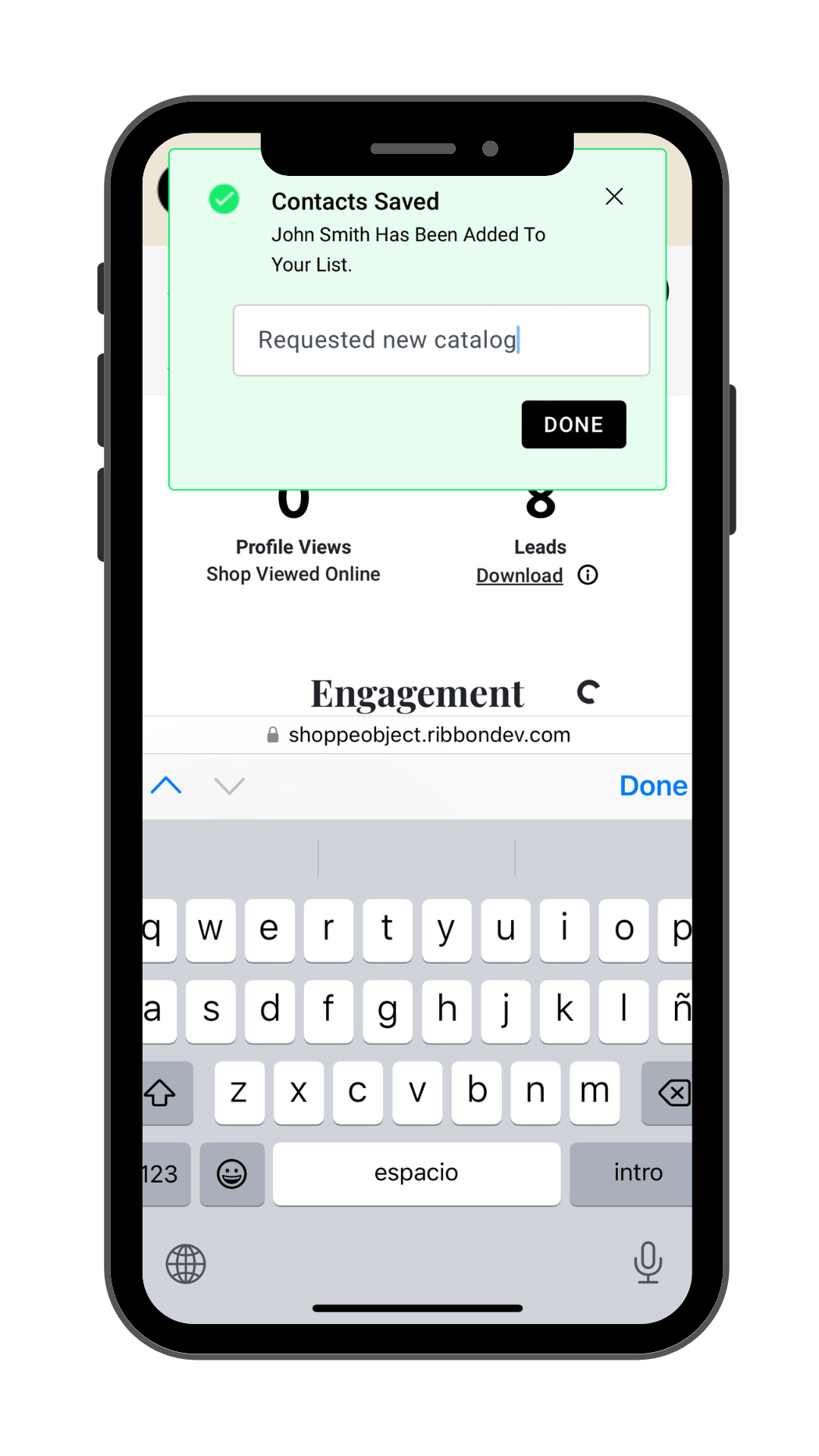
- Immediately after scanning, a confirmation pop-up will appear, in the text field you can write your note. After writing your note, click “Done.”
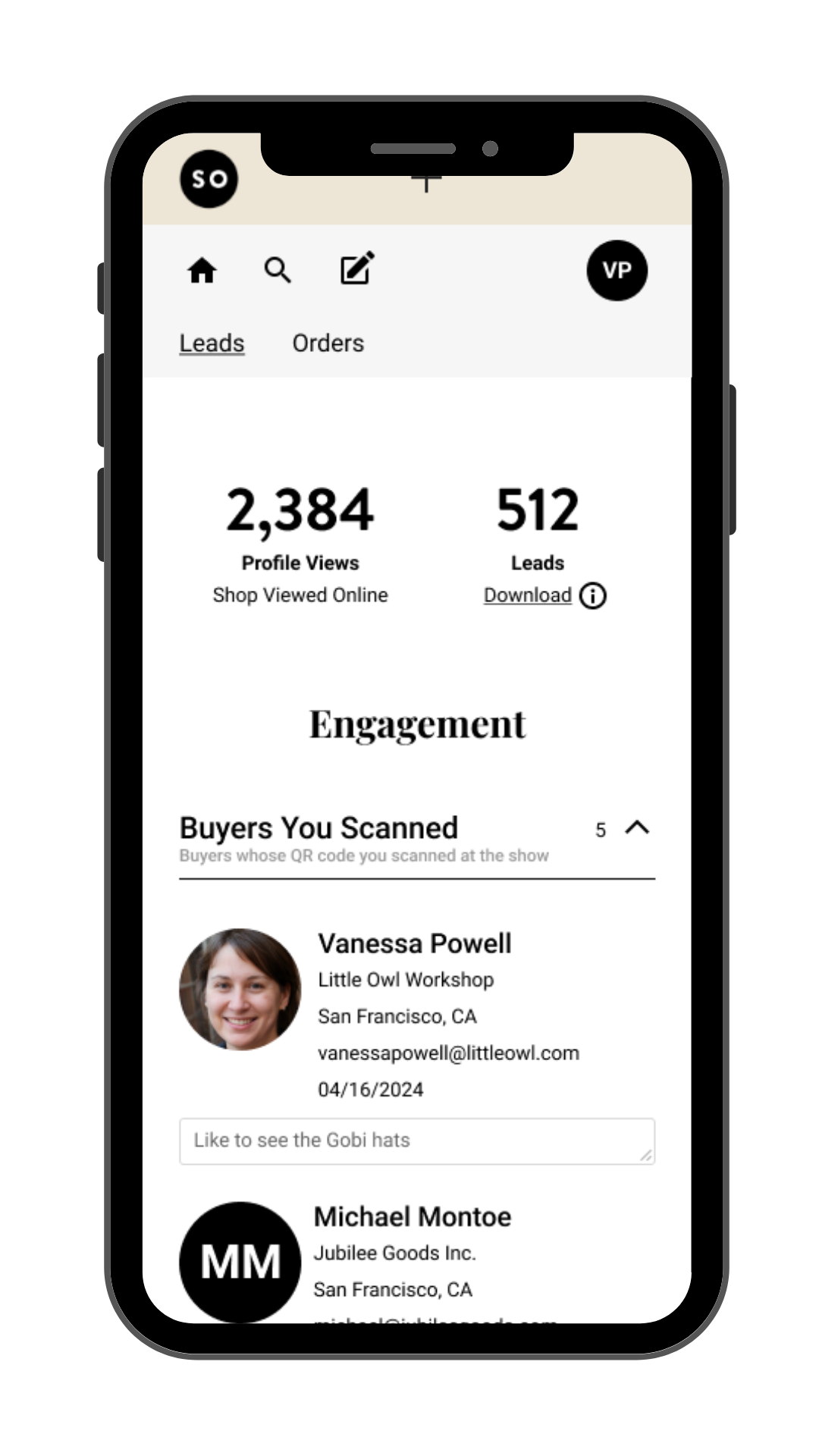
- You will see your newly added note below the buyer’s information under “Buyers You Scanned”.
Review Later
- You can always go back and review your notes later. This helps you remember the context of your conversation and follow up more effectively.
- When you download your leads, your notes will be included under the “Vendor Notes” column in the export file.
Comments
0 comments
Please sign in to leave a comment.