
In some cases, you may need to add tax and/or insurance fees when processing a credit card payment. You can do this on the CC processing screen. Often it is to charge for VAT or insuring expensive items. Note: You can only do this if your agency or trade show has turned this feature on.
Begin processing your credit card payment as normal. Follow this tutorial for instructions on processing credit card orders.
- When on the credit card processing screen click the "+Addon"
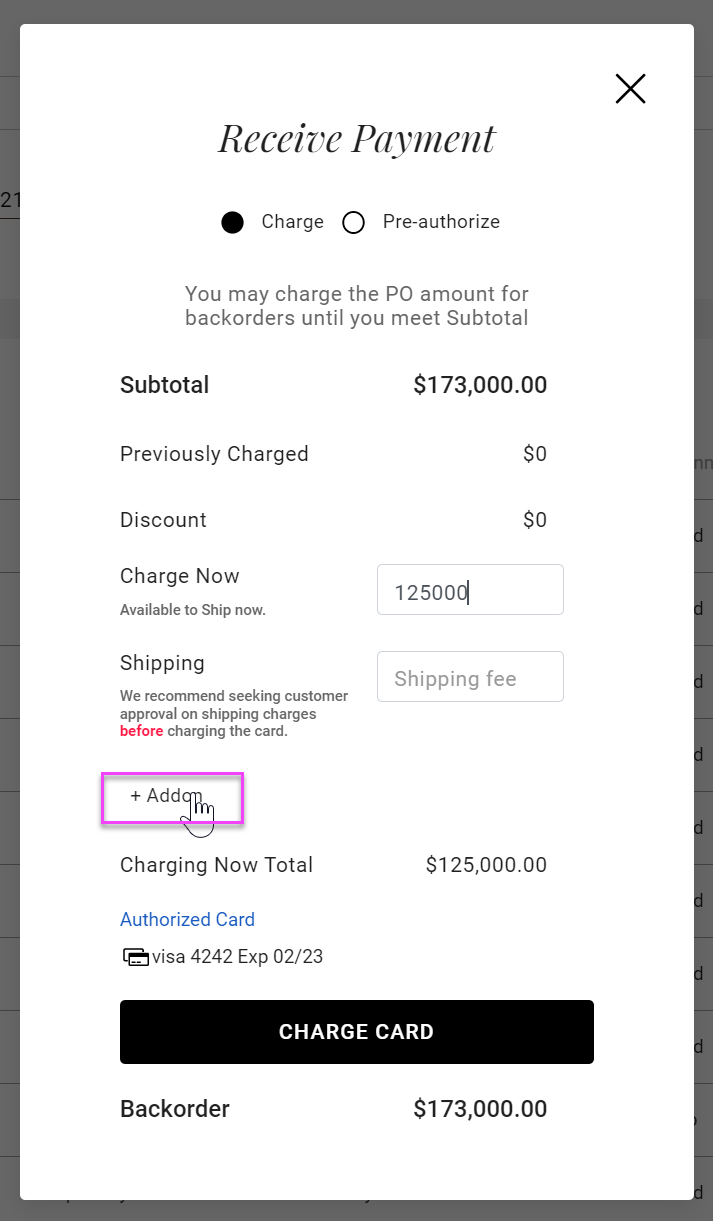
- Click the drop-down arrow and select the appropriate add-on charge.
- Enter the amount to be charged in the box to the right.
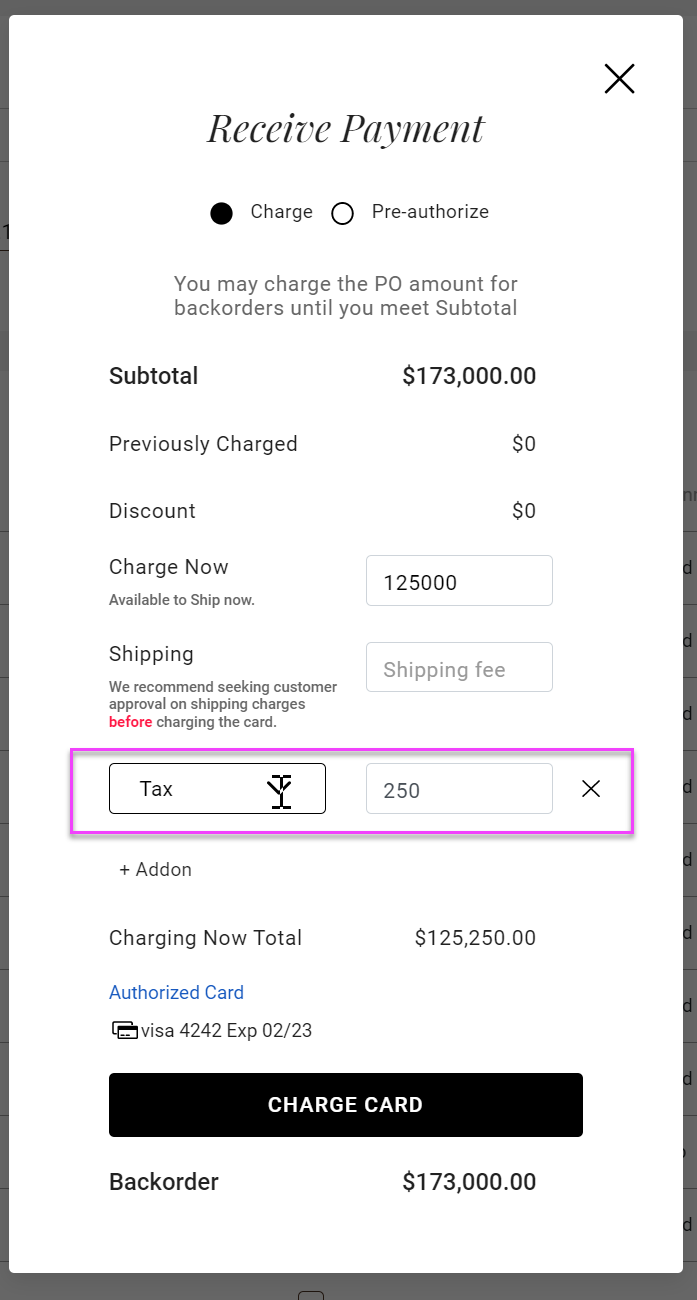
- The amount entered will be added to the "Charging Now Total"
Comments
0 comments
Please sign in to leave a comment.