
You can export your orders as a CSV file to import into your order management or invoicing system. Sample CSV export (Ignore any fields that do not apply to your business)
How to export your orders
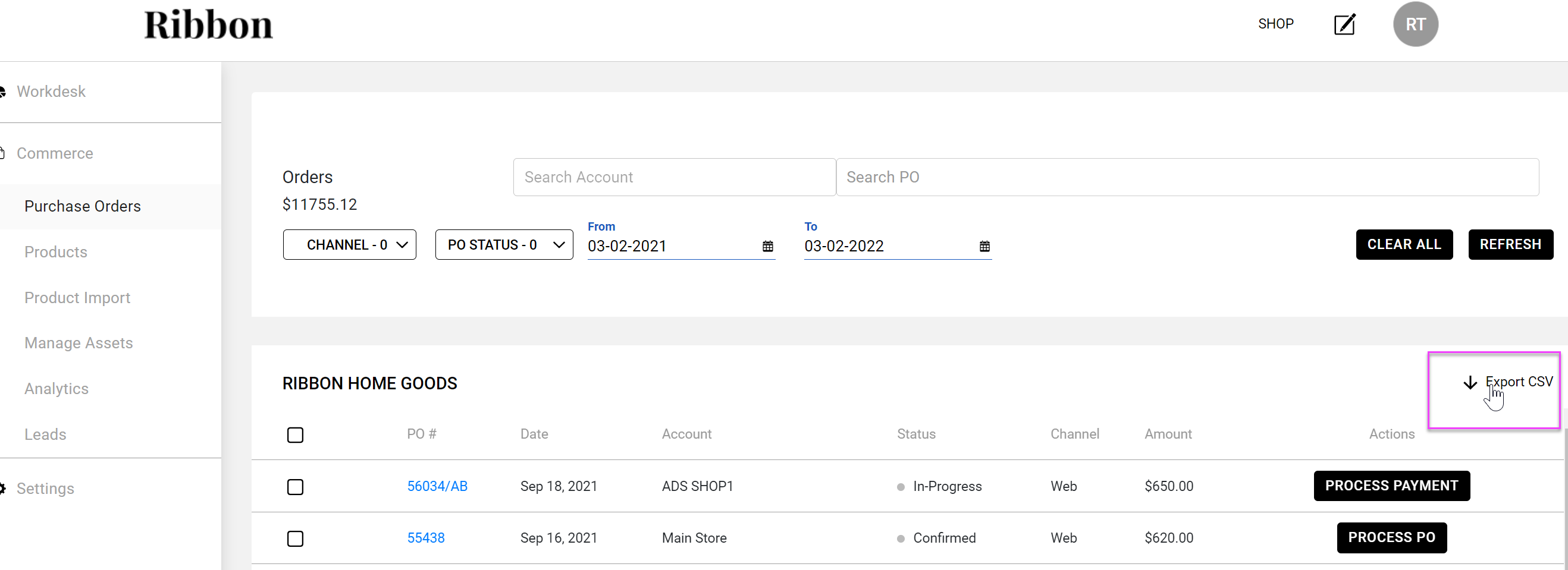
- Log into Ribbon and go to your workdesk
- Click on the grey dot in the upper right corner
- Go to Purchase order screen
- Click in Export CSV
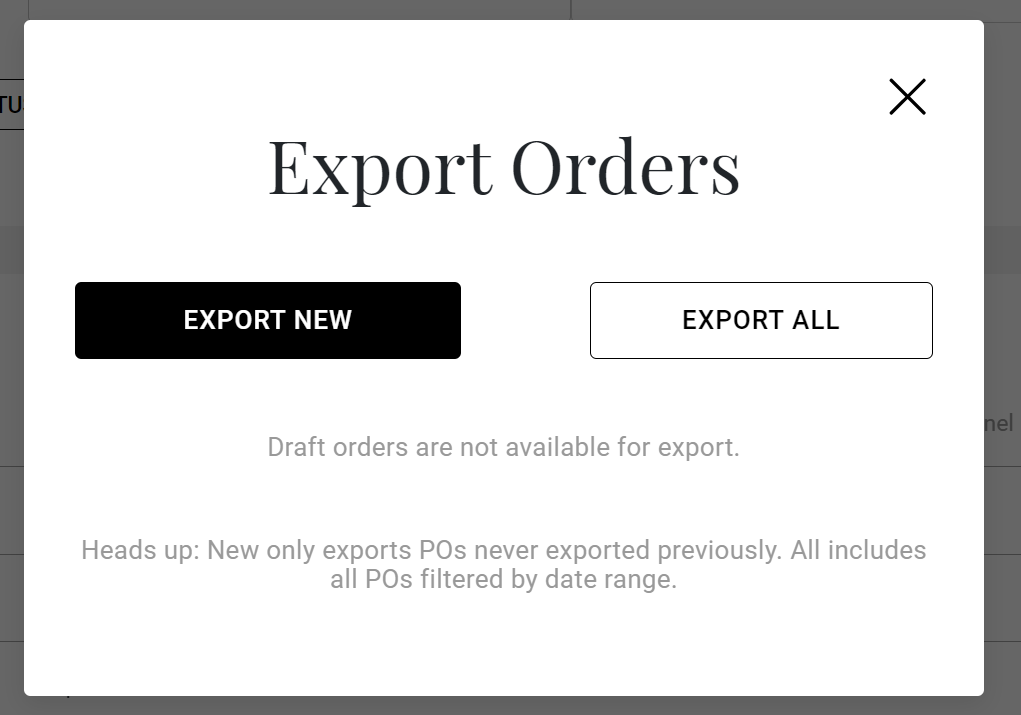
- Choose Export New or Export All.
- Choose Export New to export any orders that have not been previously exported.
-
Choose Export All to export orders within a specified date range of your choice. If no date range is specified, the default setting will export all orders from the beginning of your time on Ribbon.
Comments
0 comments
Please sign in to leave a comment.