
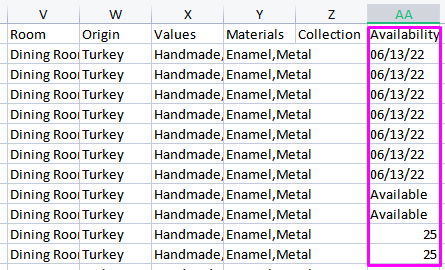
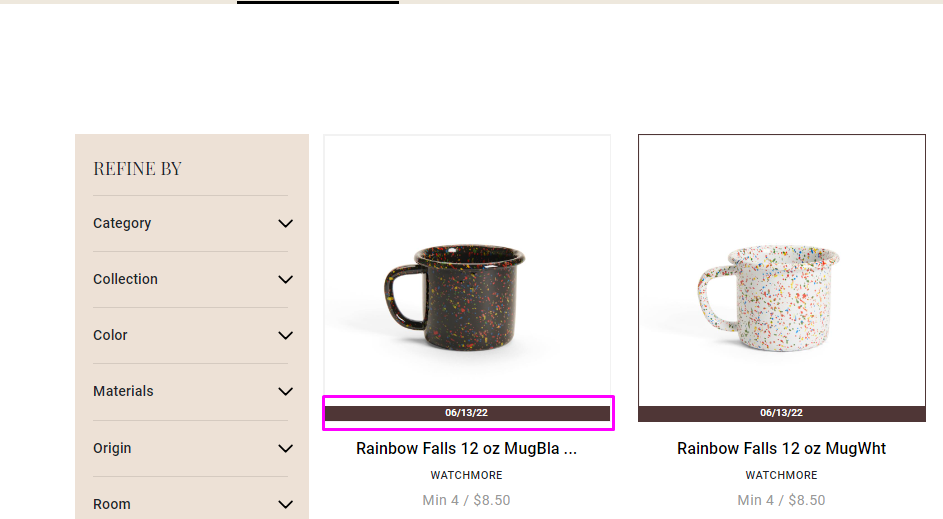
Use the Availability column of your product file.
Export your collection and fill out the availability column with the desired ETA, then reimport your collection file.
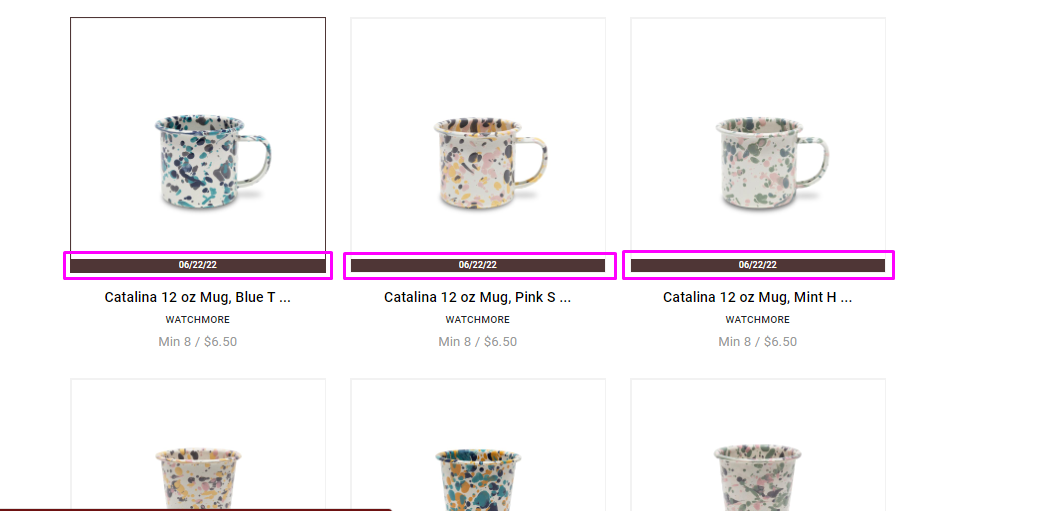
Or Manually change the Item Availability.
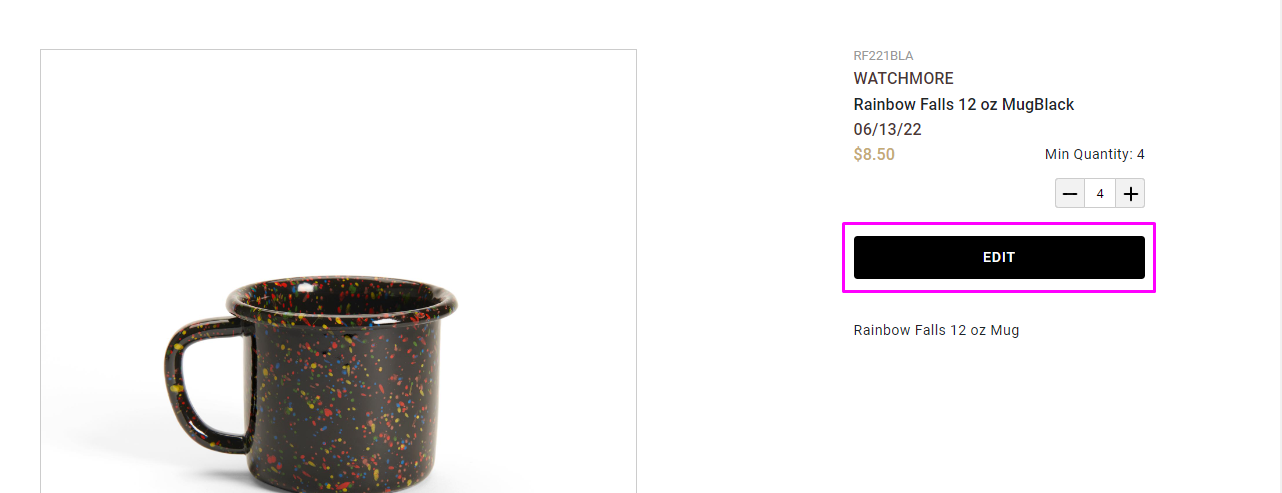
To add Availability to your item, navigate to your Collections Page, open the detail view of the item you wish to revise, and click Edit.
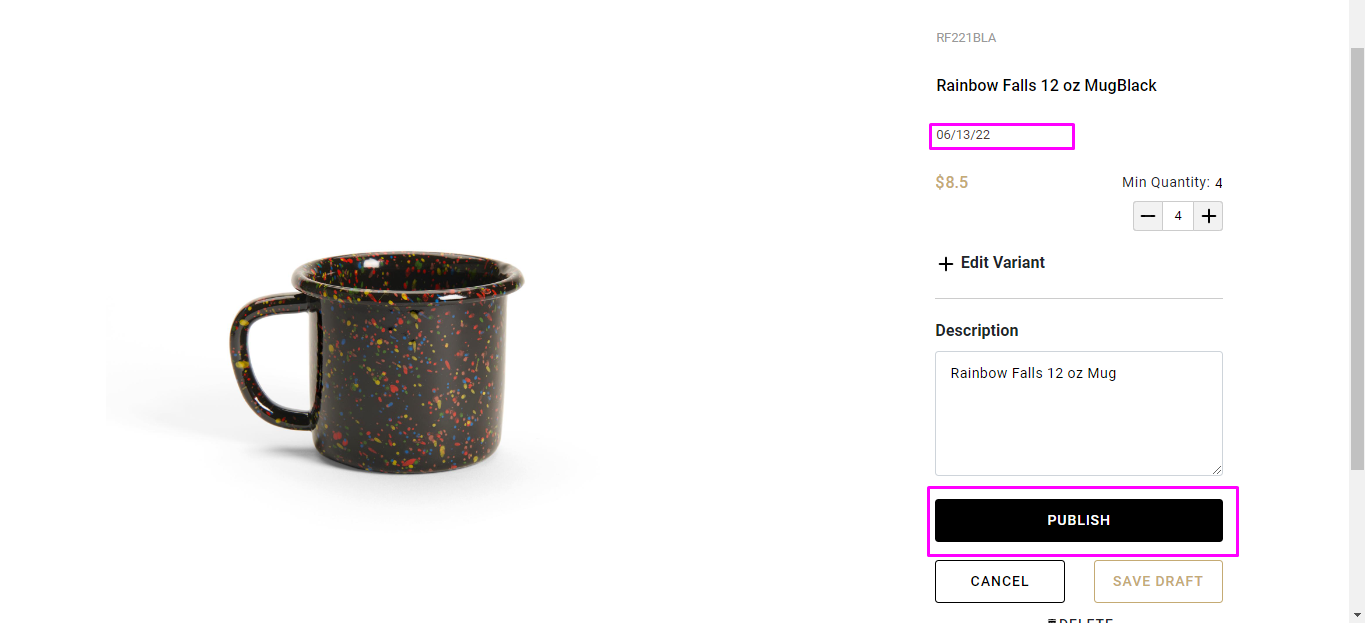
Insert the desired ETA text in the Availability column and click Publish.
Comments
0 comments
Please sign in to leave a comment.