
Deleting buyers can only be done in the edit screen.
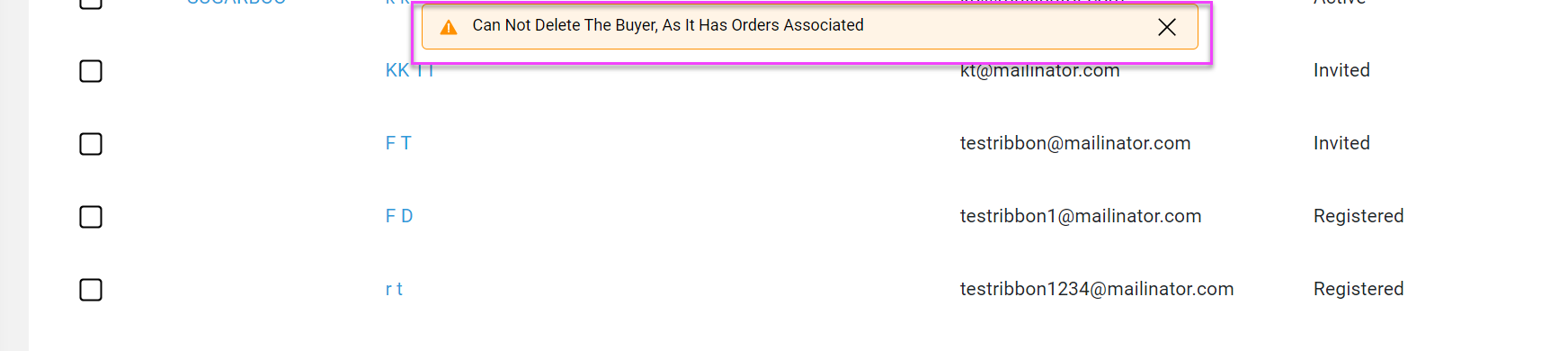
Note: Buyers can only be deleted if there are NO associated orders.
- Click on buyer name to bring up the edit screen

- Scroll to bottom of edit screen and click Delete Buyer

- An "Are you Sure?" pop up window will appear
- Click Yes Delete
- Note If there are any orders associated with the buyer you will get an error message and you will not be able to delete that buyer
Comments
0 comments
Please sign in to leave a comment.