
If you can't find an order your buyer says they have placed, it probably means that the order is still in your buyer's shopping bag. Please let your buyer know that they need to go into their shopping bag and confirm the order, which will then change the order's status to Draft or HFC and give you visibility.
Your buyer will be able to tell that there are unconfirmed orders in their shopping bag if there is a red number next to their shopping bag icon, indicating that there are items in the shopping bag.
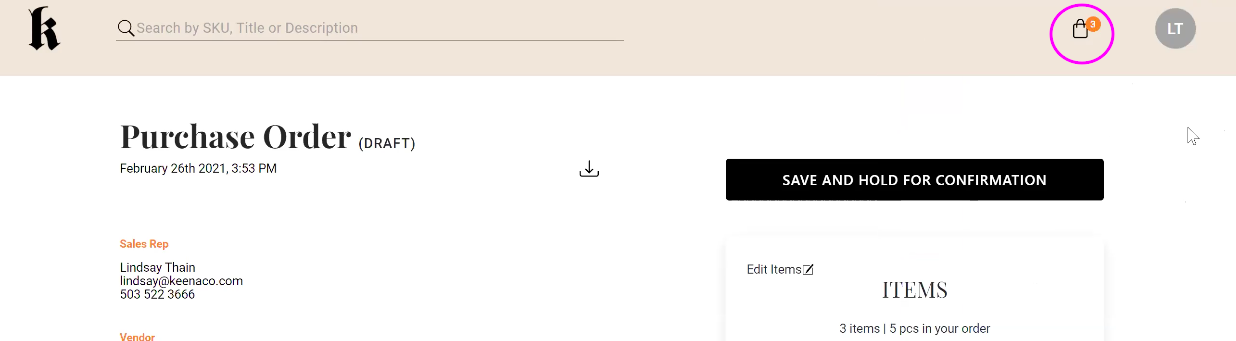
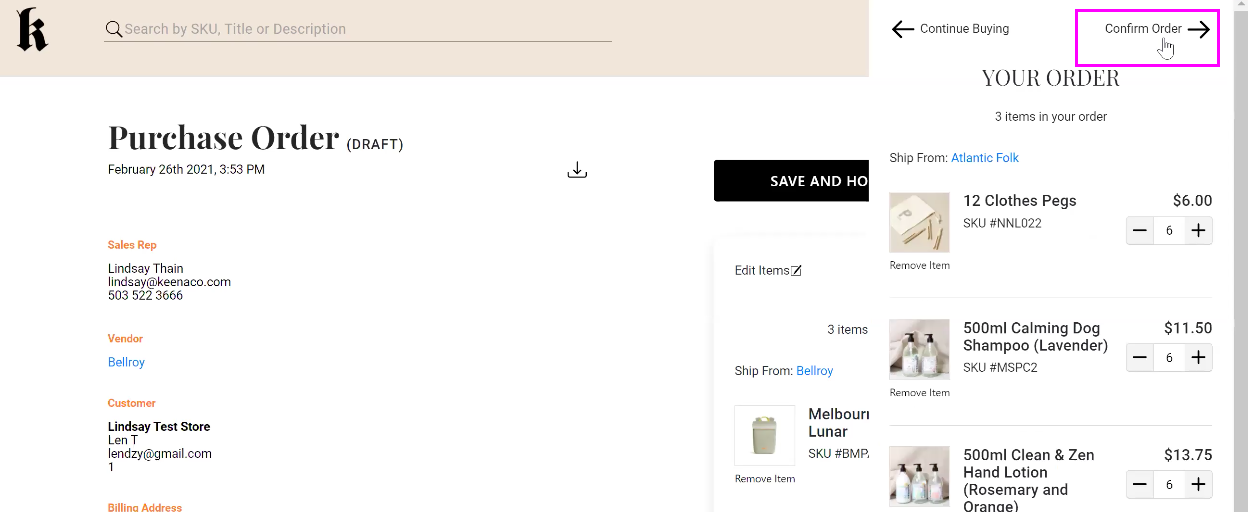
You'll need to ask your buyer to open their shopping bag, and click Confirm Order at the top of the Your Order sidebar.
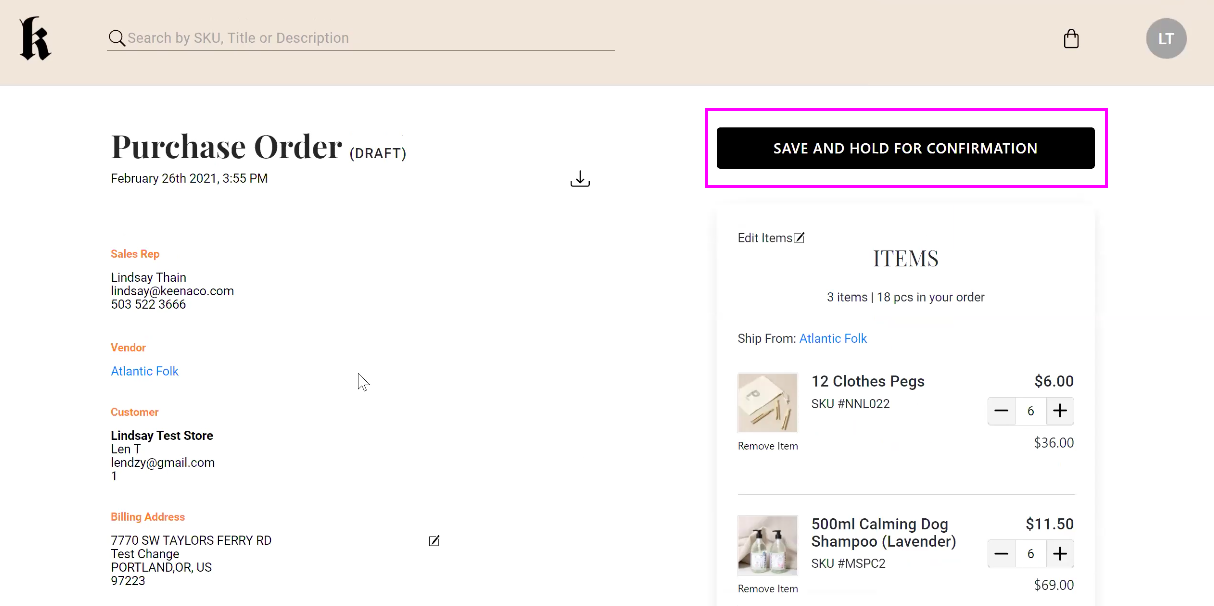
Once they click Confirm Order, it will open the order review page where they will be able to review the order and then click Save and Hold for Confirmation. This will give the Sales Rep visibility into the order.
Comments
0 comments
Please sign in to leave a comment.