
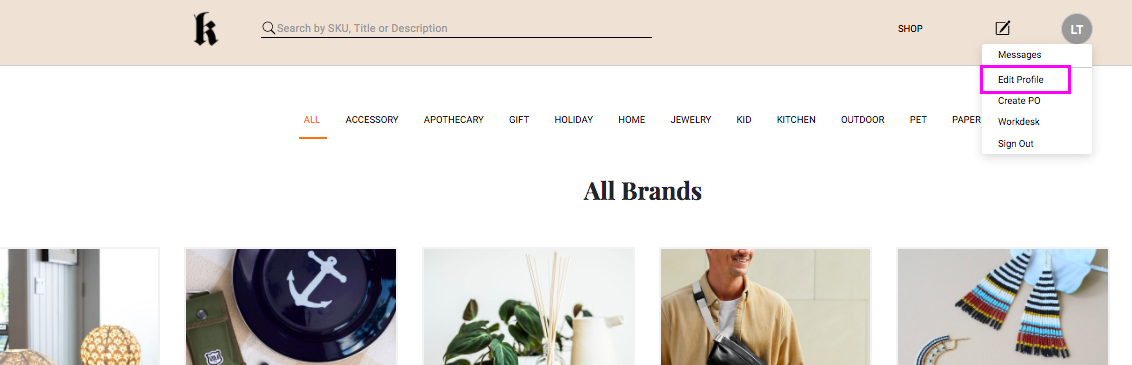
Log into your agency’s Ribbon homepage with your rep login and password. Once logged in, you will see a gray circle with your initials in the upper right corner. Click on this to access the Edit Profile menu.
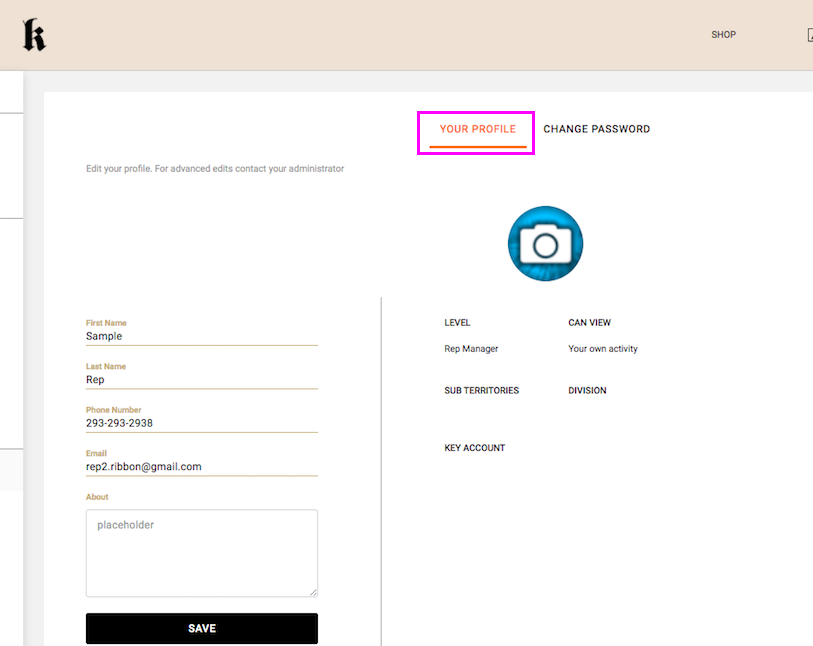
In the main Your Profile section you can edit your profile information. To upload or change your profile pic, click on the camera icon and choose an image from your device to be added.
Some information on your rep profile, such as territory assignments and key accounts, can only be edited by your agency’s admin. Please contact them directly for assistance to edit this information on your profile.
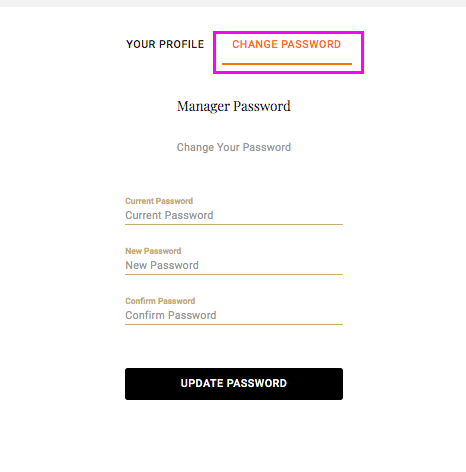
To update your password, go to the Change Password section of your profile.
Comments
0 comments
Article is closed for comments.