
You’ll receive notification of new orders via your Workdesk and your email account. From your email, you can click the Purchase Order number to be taken straight to the PO on your Workdesk.
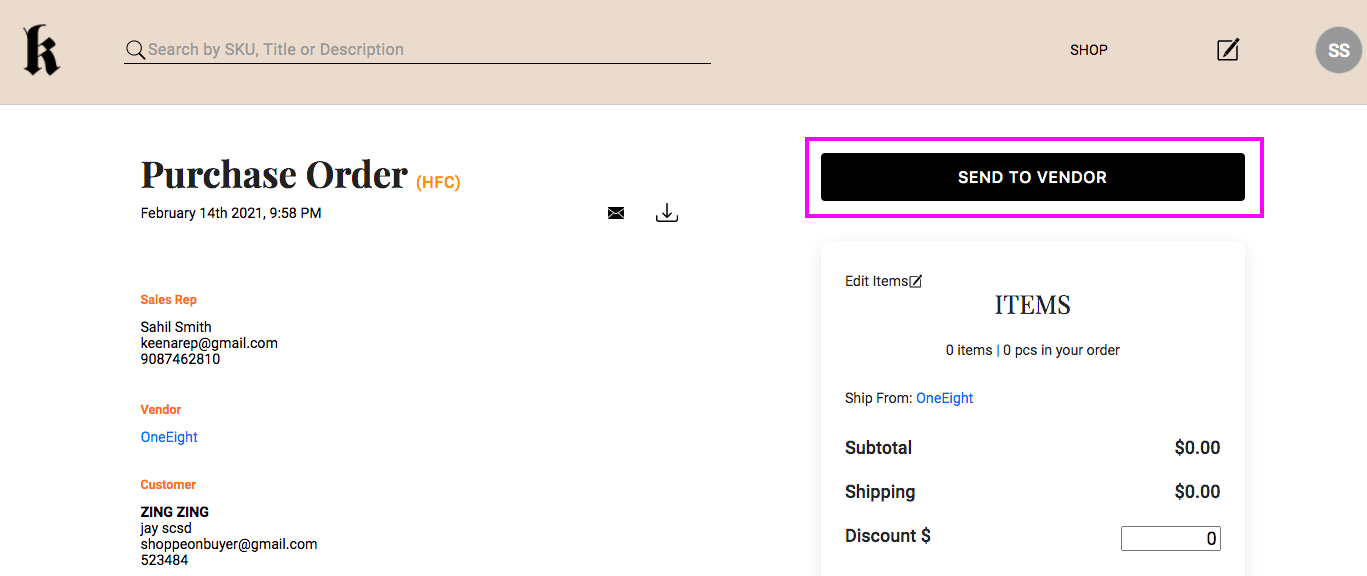
To open the PO from your Workdesk, click on Purchase Orders under the Commerce tab on the left-hand side bar. Locate and open the purchase order by clicking on the PO number. From here, you can review the details of the order, including items, quantities, minimums, shipping and billing information, payment terms, ship date, etc.
Make any necessary adjustments, and click Send to Vendor.
Comments
0 comments
Please sign in to leave a comment.