
In order to duplicate an order, locate the PO you wish to duplicate in your Workdesk. You can use the filters to search by Vendor, Account, PO #, date range, etc. Purchase Orders with any order status can be duplicated. Once you have located the order, open the Purchase Order review screen by clicking the  icon.
icon.
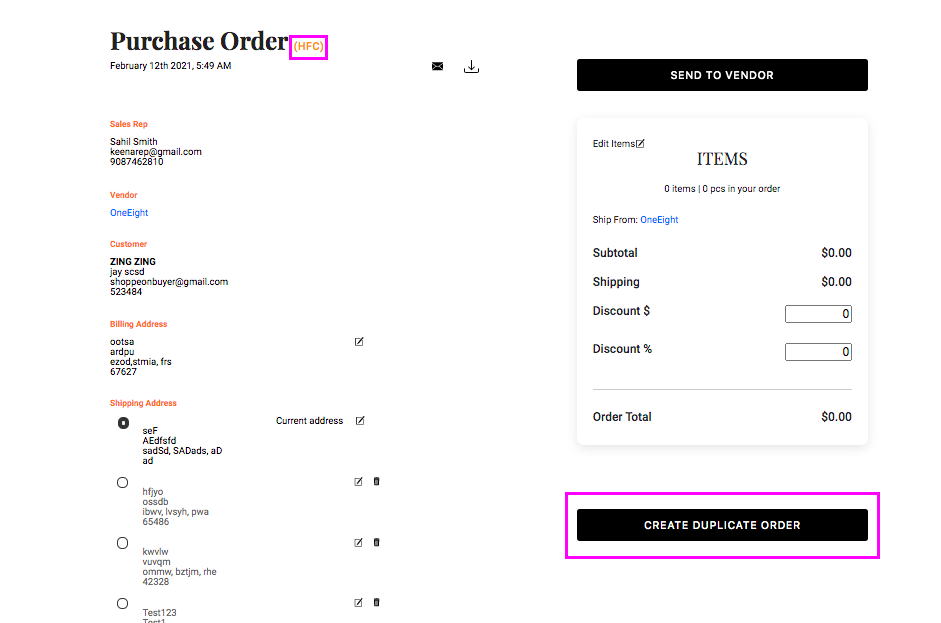
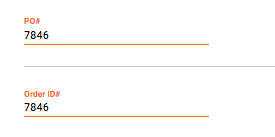
In the example above, you can see we are duplicating an HFC Order. Below, you can see the PO# and Order ID information for the order we are duplicating.
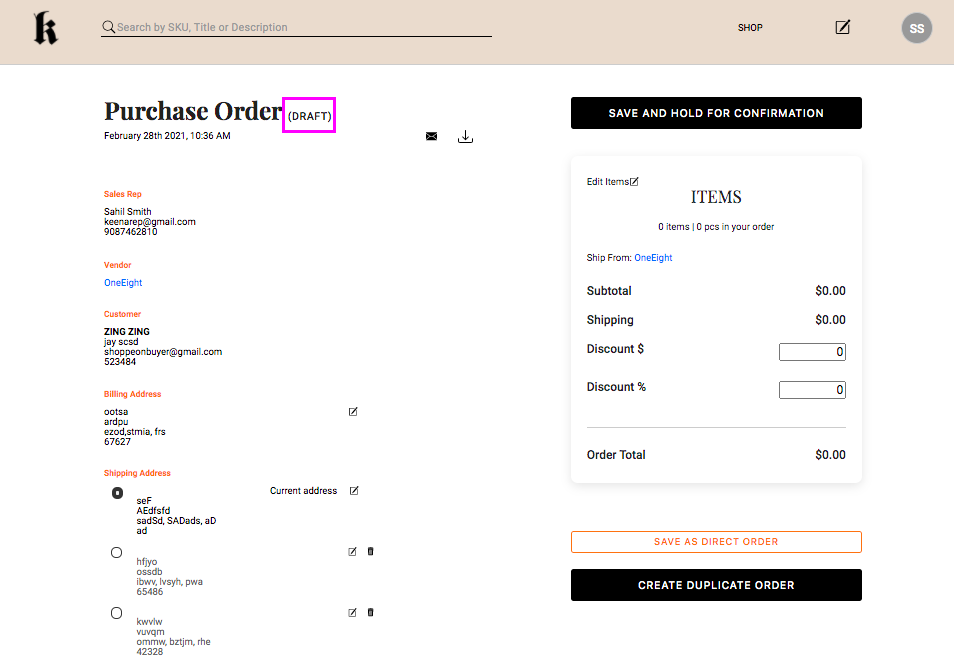
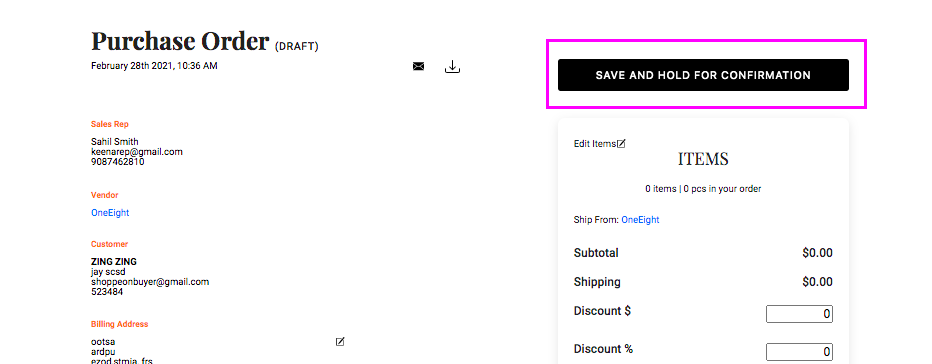
Once you click the Create Duplicate Order button the duplicated order will appear on your screen. You will notice that the order status will have changed to Draft.
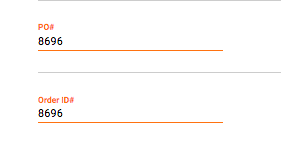
And if you scroll down to the PO Number and Order ID information, you will also see it has now changed to reflect the duplicated order's details.
You can make any necessary changed to your duplicated order and click Save and Hold for Confirmation.
Comments
0 comments
Please sign in to leave a comment.