
There are a couple of ways to do this. The easiest way is to click on the envelope icon at the top of the review Purchase Order screen.
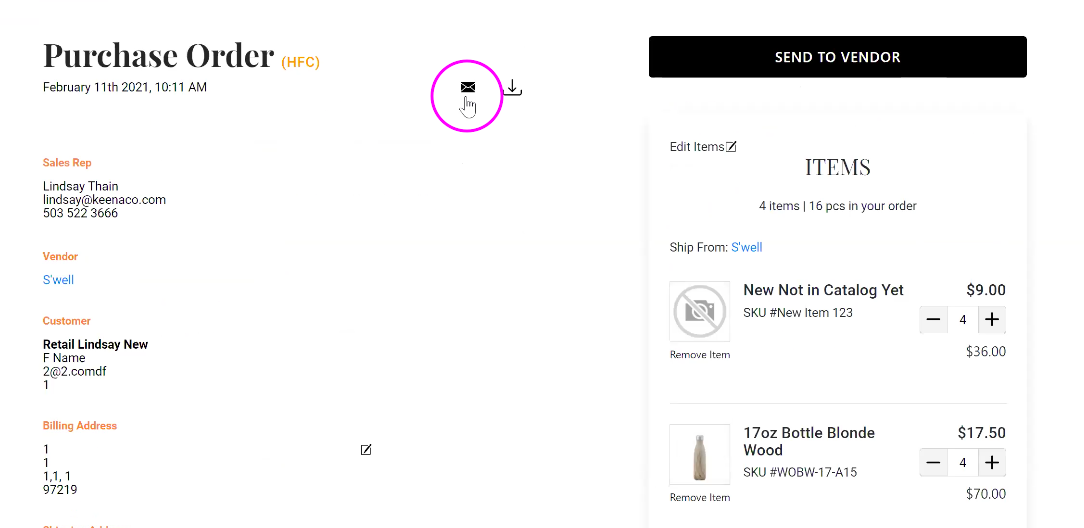
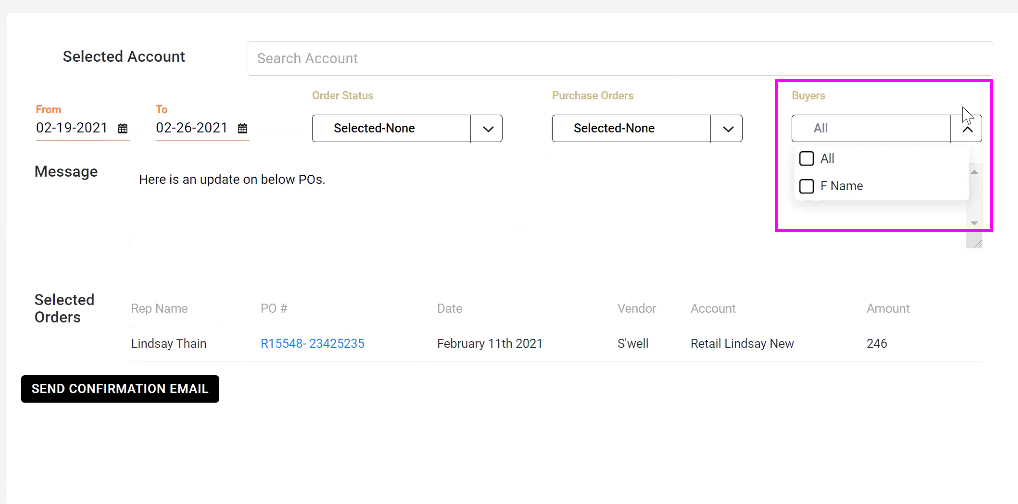
This will open an order confirmation screen in your Workdesk with the PO listed under Selected Orders. Navigate to the Buyers drop down menu at the top right and select any buyers you wish to email the PO to. If no buyers are selected, the PO will be emailed only to yourself, the Sales Rep.
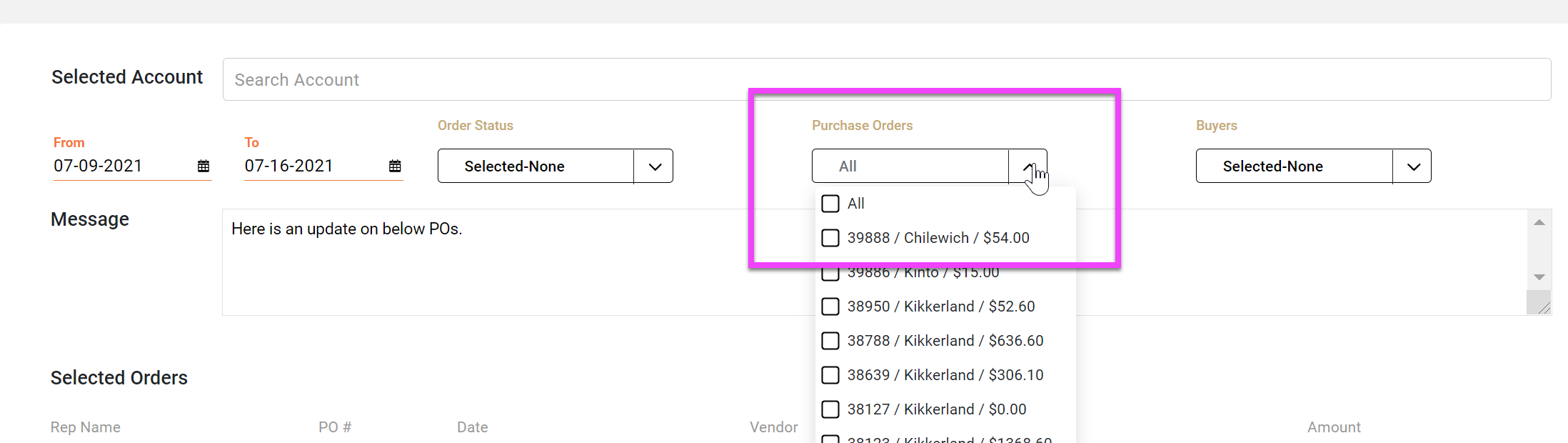
Use the PO Dropdown to select multiple orders
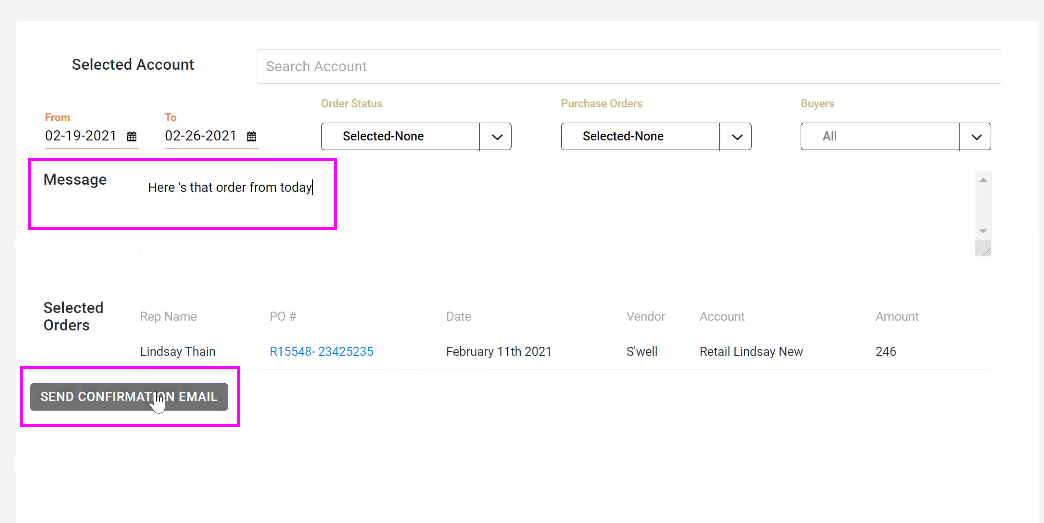
You can also add a Message to be included in the email with your PO. Once ready, click the Send Confirmation Email button.
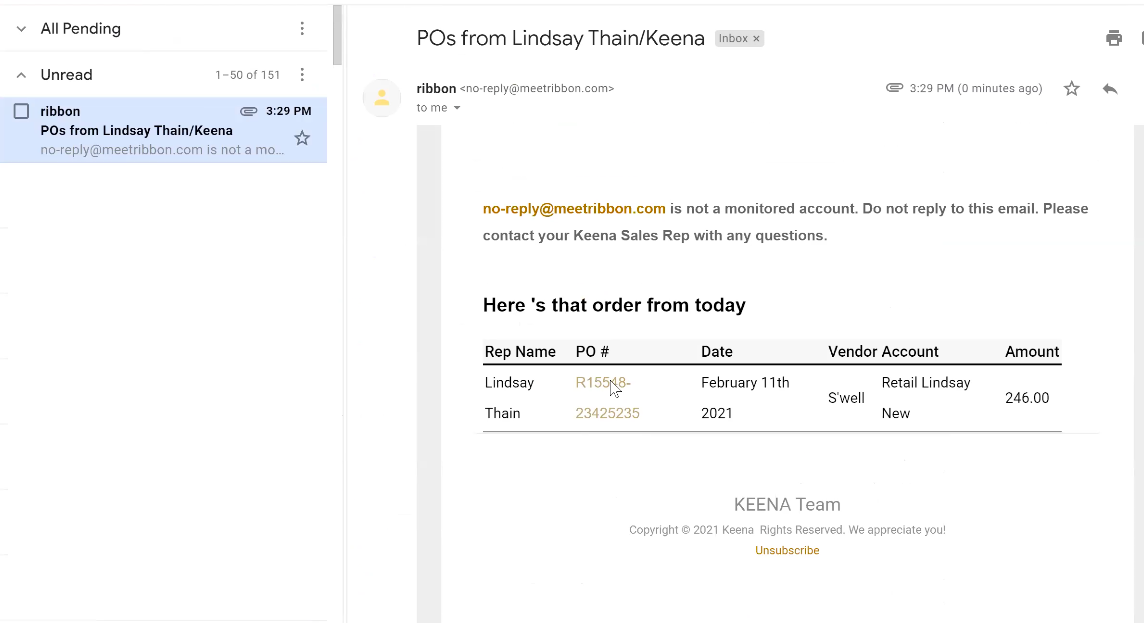
Your buyer will receive the order confirmation in their inbox. They can click on the PO# and it will open the Purchase Order review page in Ribbon. The order will also be attached to the email as a PDF.
Comments
0 comments
Please sign in to leave a comment.