
The sales report screen has useful information and filters that allows you to find account and order information which can then be exported. There is also a new Quick Report feature which includes many useful reports already built for you.
- Click on Sales Reports in your workdesk
- This will bring up a chronological list of orders
- Use the dropdowns and date range to filter your report

-
- Use the Add fields button to add detail to your report

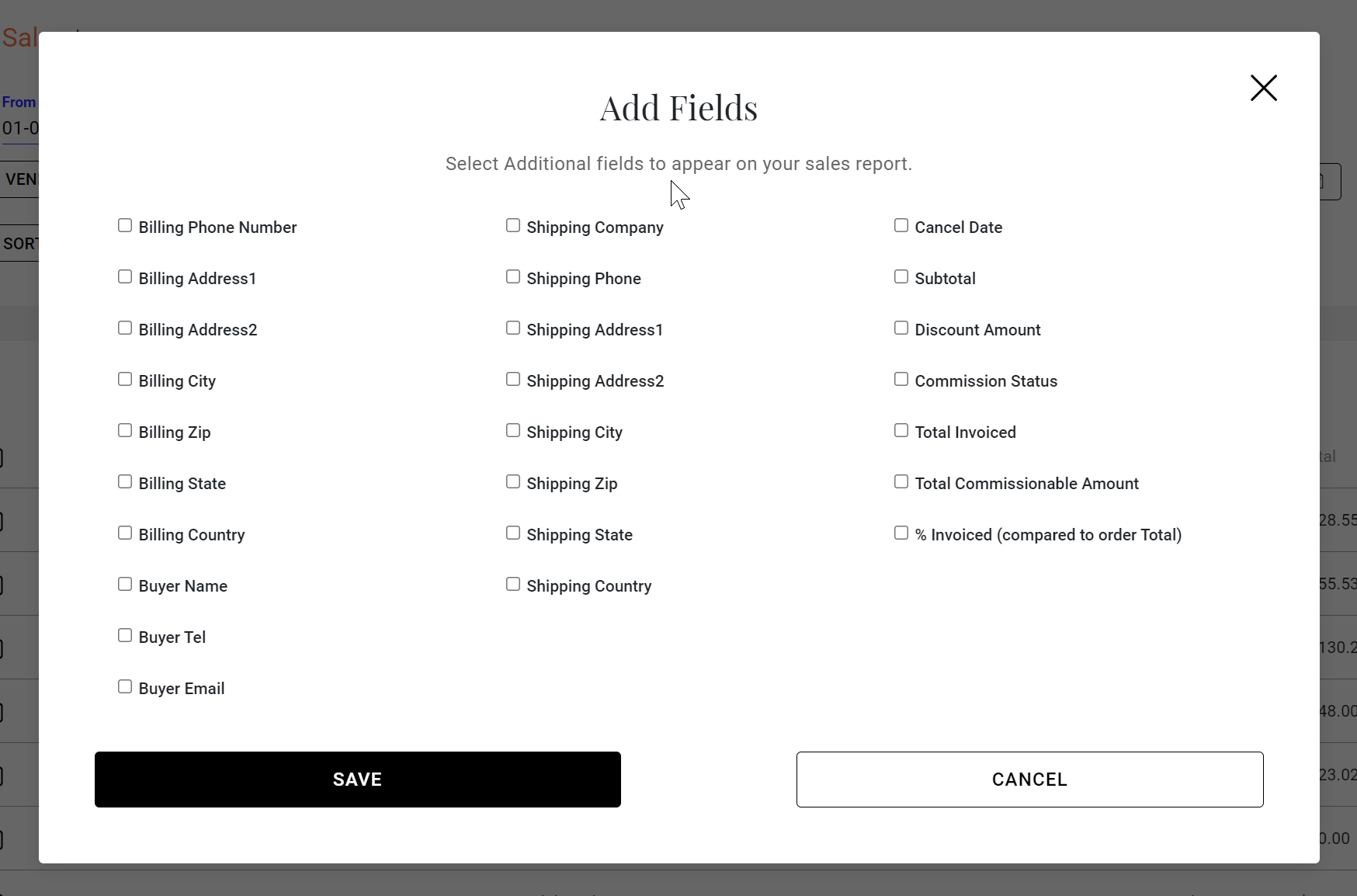
-
- Use the search boxes to find specific POs, accounts, SKUs, Zip Codes or Cities

-
- Click Export to download your report to a CSV

-
-
- You can also add a label when exporting reports
-
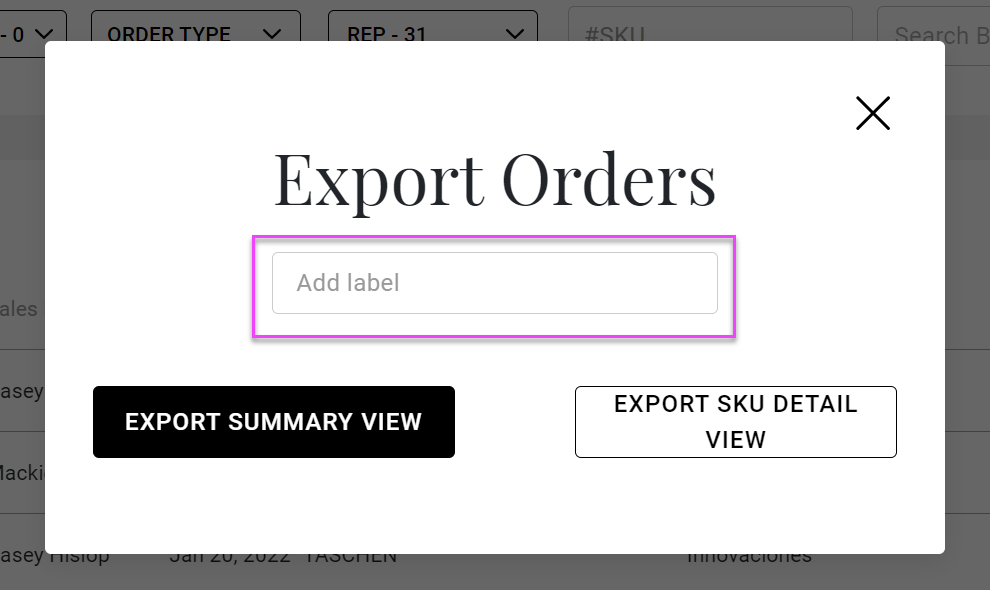
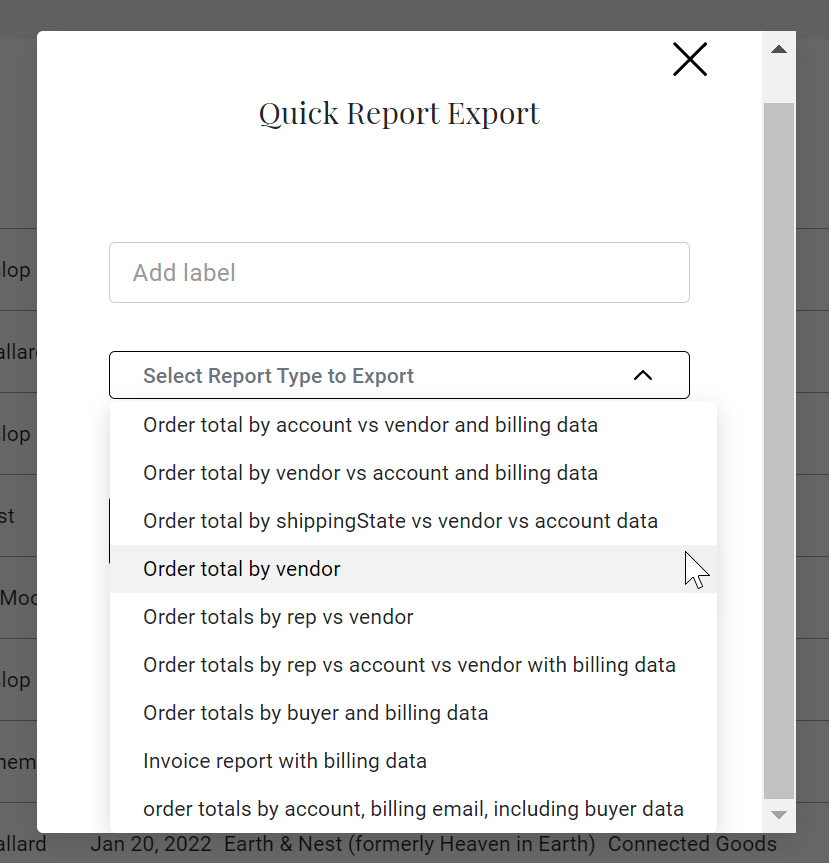
- Or you can utilize our new Quick Report feature which has many useful, prebuilt reports

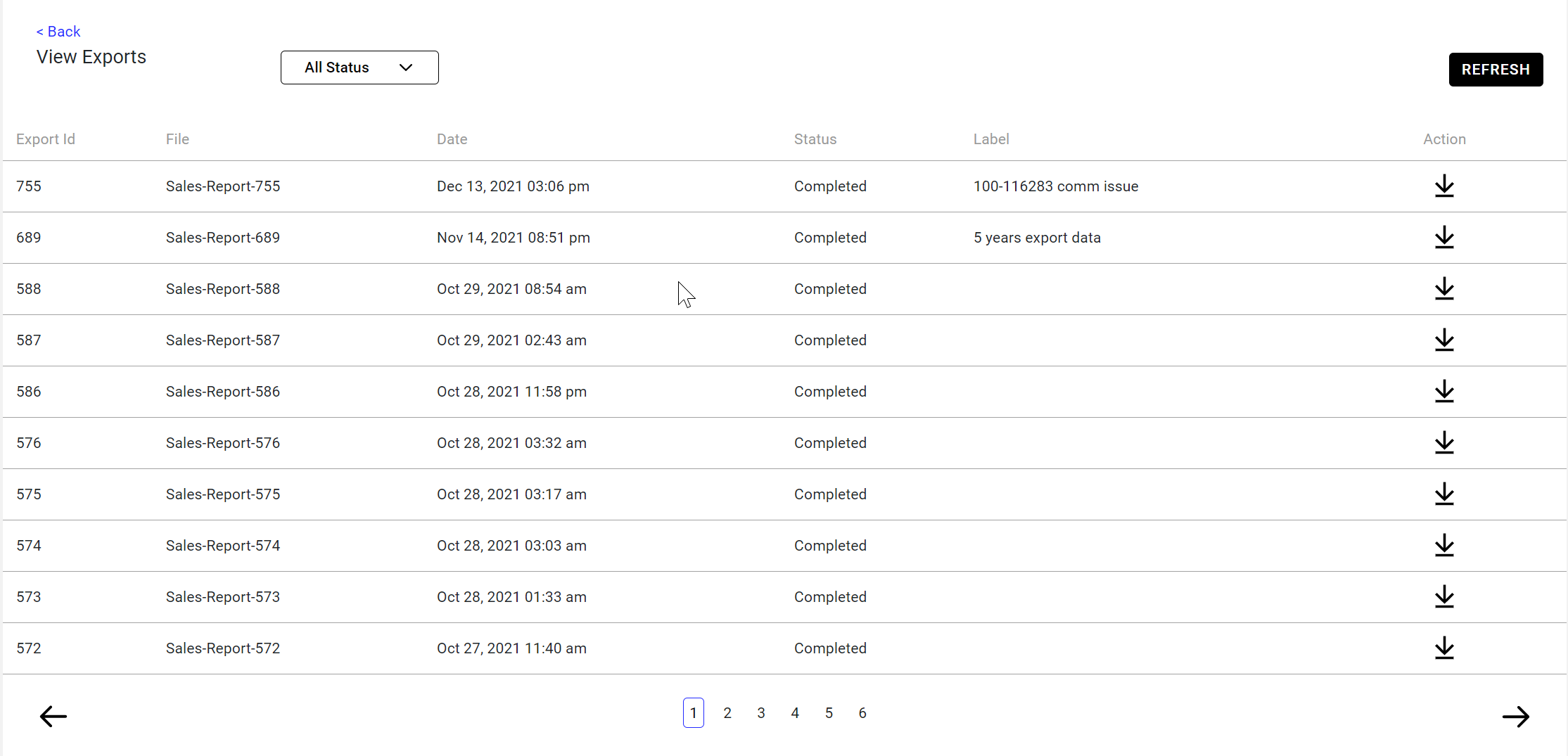
- You can also view all past report exports and download them again

Comments
0 comments
Please sign in to leave a comment.