
As an admin you are able to merge or delete both accounts and buyers. You are also able to move a buyer from one account to another.
Merge Accounts
- Begin be choosing the two accounts you want to merge. Note: the first account chosen will be the source account and the second will be the destination account.
- Select More Actions and click on Merge Accounts
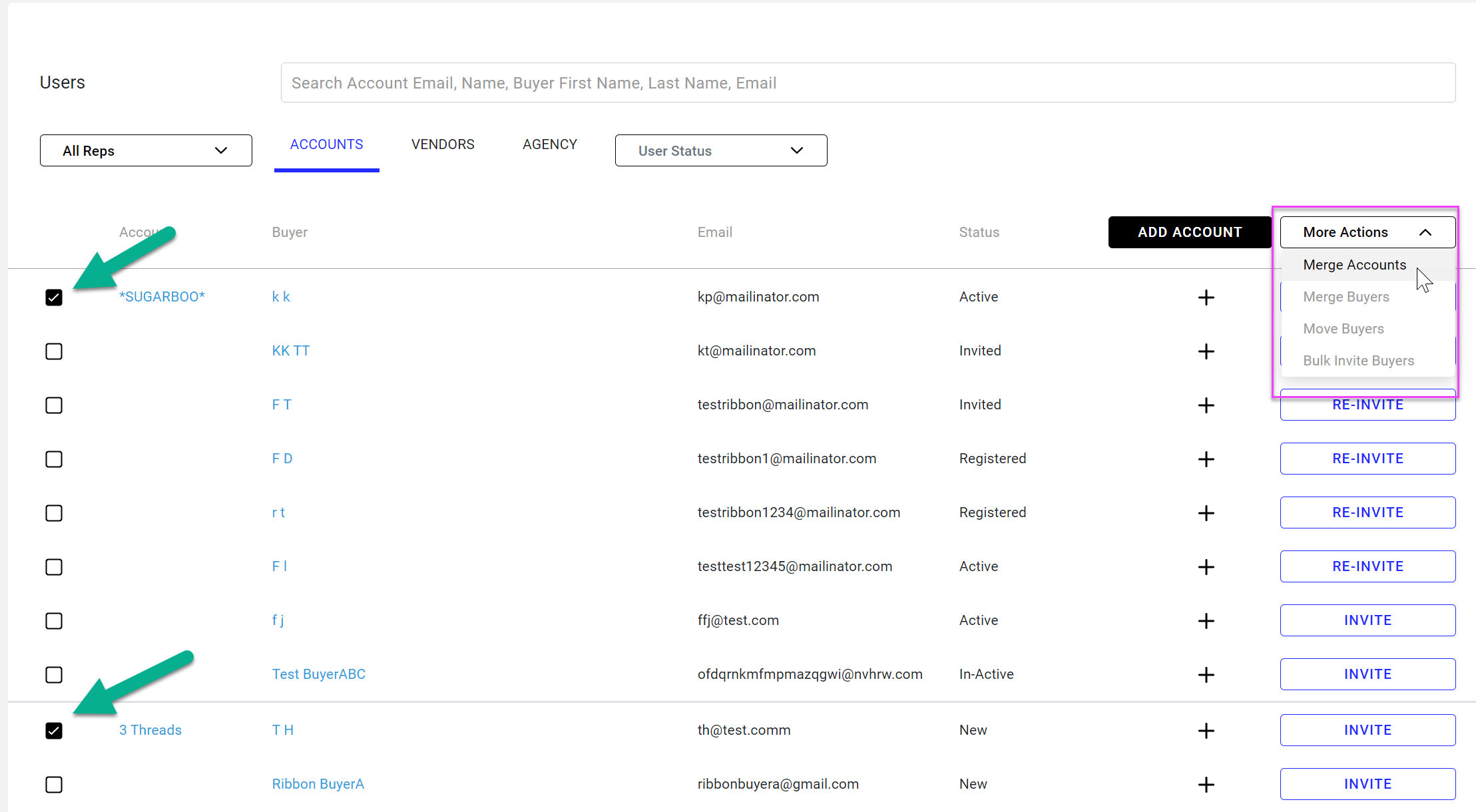
- You will see a pop window where the source account and the destination account are auto populated
- Note: after merging, the source account will be deleted and all POs and buyers will be moved to the destination account.
- Confirm both accounts are correct then click on Review
- A second pop up window ("Are you sure?") shows you the destination account
- Confirm the merge by clicking Merge
- You will see all buyers from the source account now listed under the destination account
Merge Buyers
- Follow the same process as for merging accounts but clicking on Merge Buyers under More Actions
- Notes:
- You can only merge buyers under the same account
- After merging the source buyer will be deleted and all POs will be moved to the destination buyer
- Notes:
Move Buyers
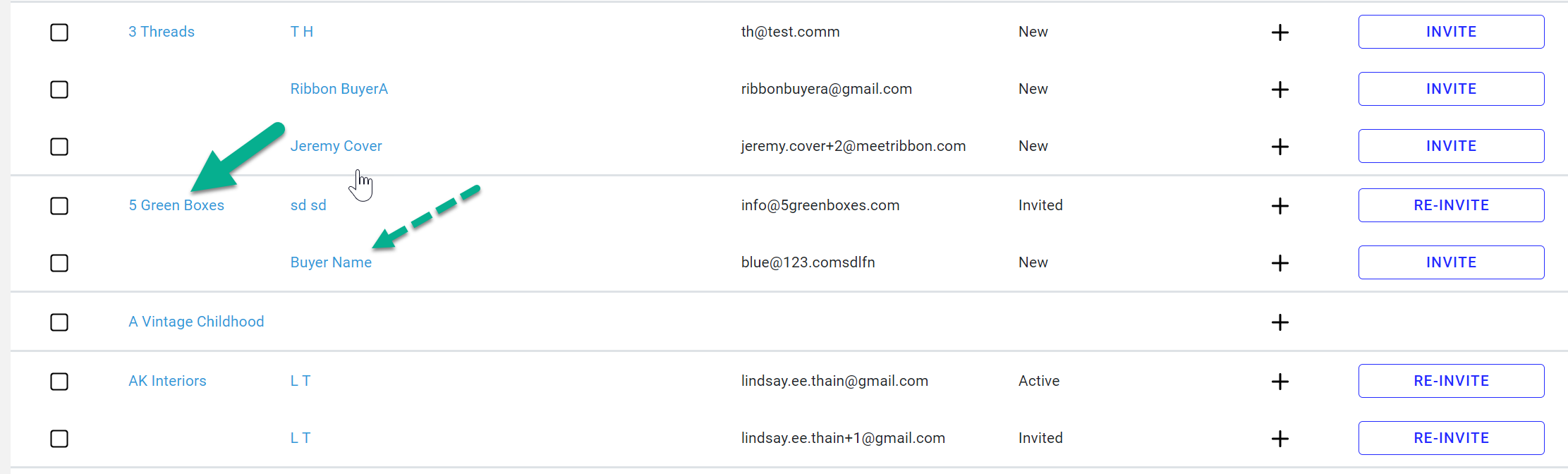
- Begin be choosing the buyer you want to move
- and then the account you want them moved to.
- Click on More Actions and then Move Buyers
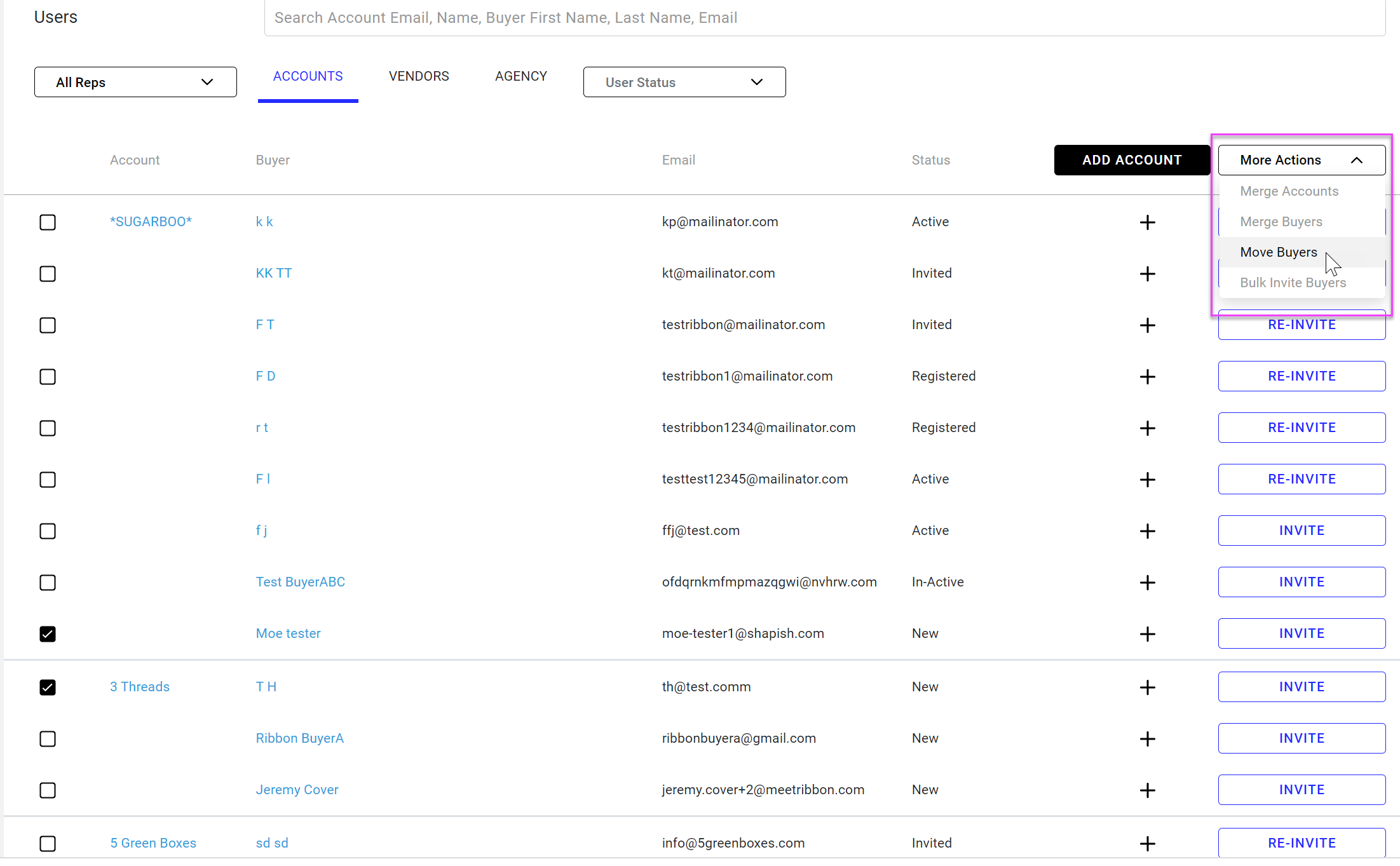
- You will see a pop window where the chosen buyer and the destination account are auto populated
- Confirm source buyer and destination account are correct then click on Review
- A second pop up window ("Are you sure?") shows you the destination account
- Confirm the merge by clicking Merge
- The buyer from the source account now listed under the destination account
Delete Accounts and buyers
Deleting accounts and buyers can only be done in the edit screen for each.
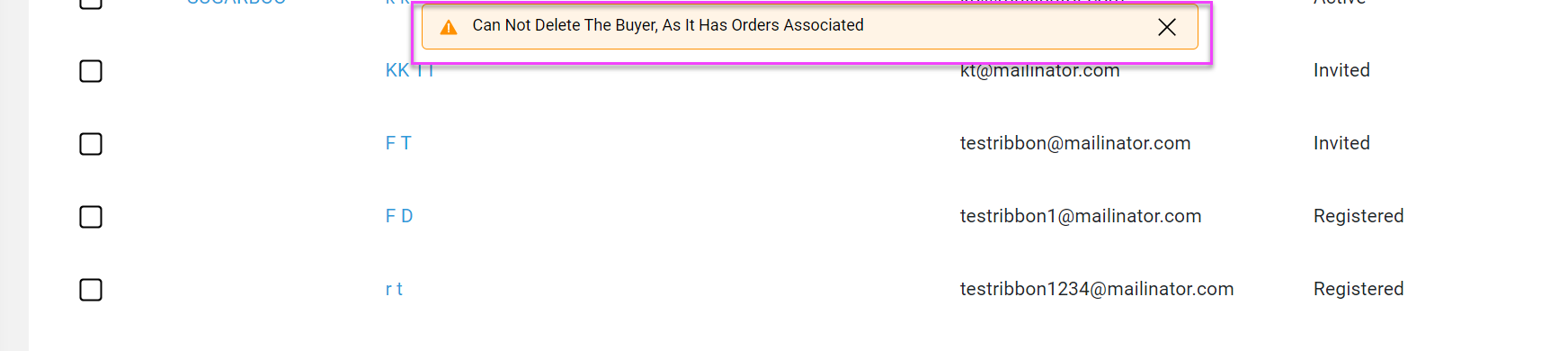
Note: Accounts and buyers can only be deleted if there are NO associated orders.
- Click on account name or buyer name to bring up the edit screen
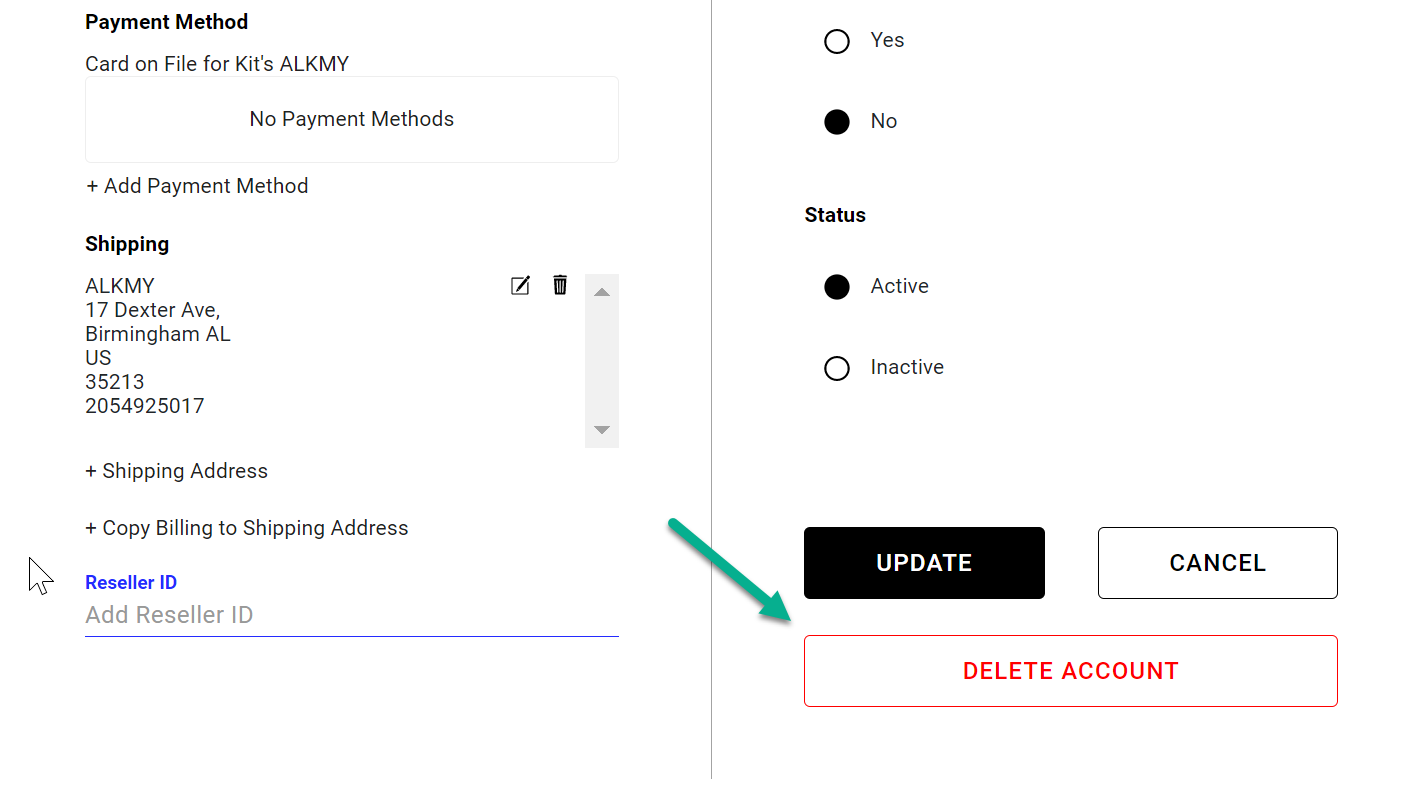
- Scroll to bottom of edit screen and click Delete Account or Delete Buyer
- An "Are you Sure?" pop up window will appear
- Click Yes Delete
- Note If there are any orders associated with the account or buyer you will get an error message and you will not be able to delete the account or buyer
Comments
0 comments
Please sign in to leave a comment.